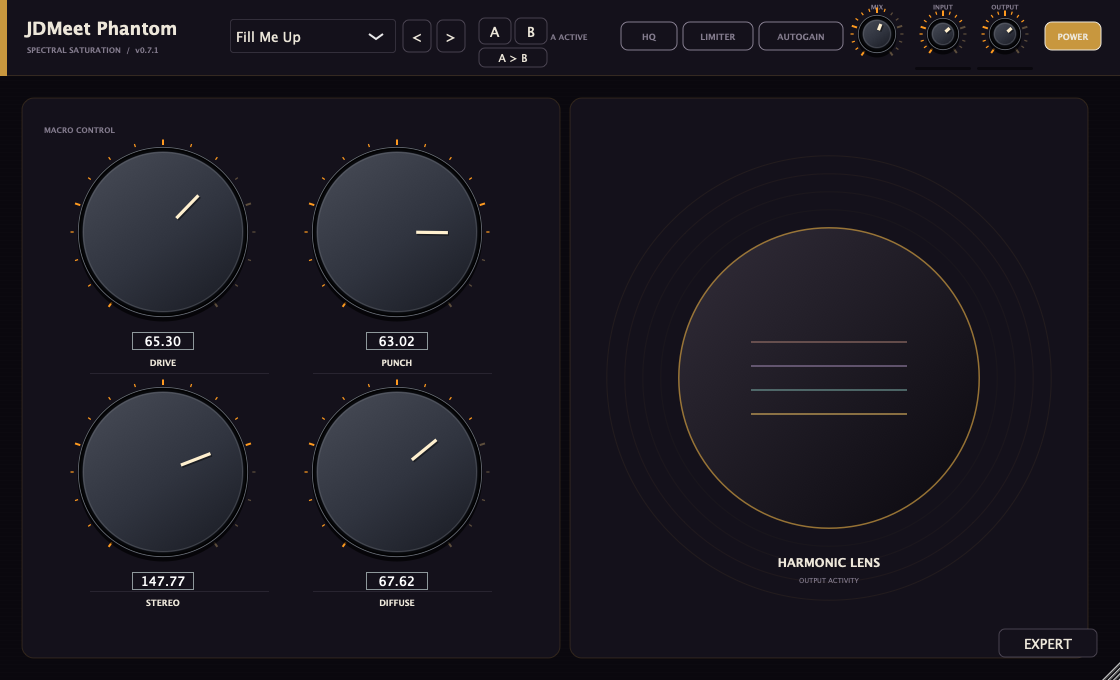
FOUR-BAND SATURATION
JDMeet Phantom
Drive, punch, width and density across four bands. Switch between Basic and Expert, explore 110 presets, and shape the ranges that need it.
Explore Phantom & download →JDMEET / AUDIO TOOLS
Four separate effects for shaping hard-techno, hard-dance and rave sounds and transitions on Apple Silicon and Intel Macs. Compare the controls, check the requirements and download directly from each plugin page, with no signup.
Made by JDMeet. Discover the music →
| Your task | Start with | What it changes |
|---|---|---|
| Distort a kick, bass or drum channel | Crusher — distortion VST3 | Tube and Mech drive, filtering and compression across the channel. |
| Saturate mids while controlling the low end separately | Phantom — multiband saturation | Four frequency bands with independent drive, mix and stereo controls in Expert. |
| Create a filter sweep or a build-up into the drop | Filter — transition effects | Eight switchable modules and an Intensity control for sweeps, echoes and textures. |
| Repeat, reverse or cut playing audio into a rhythmic fill | Stutter — beat-repeat effect | Live audio capture with host-synced patterns, triplets and reversed slices. |
These are audio effects: load them on a channel carrying sound. All four downloads are Mac VST3 plugins; they are not standalone instruments.
FOUR-BAND SATURATION
Drive, punch, width and density across four bands. Switch between Basic and Expert, explore 110 presets, and shape the ranges that need it.
Explore Phantom & download →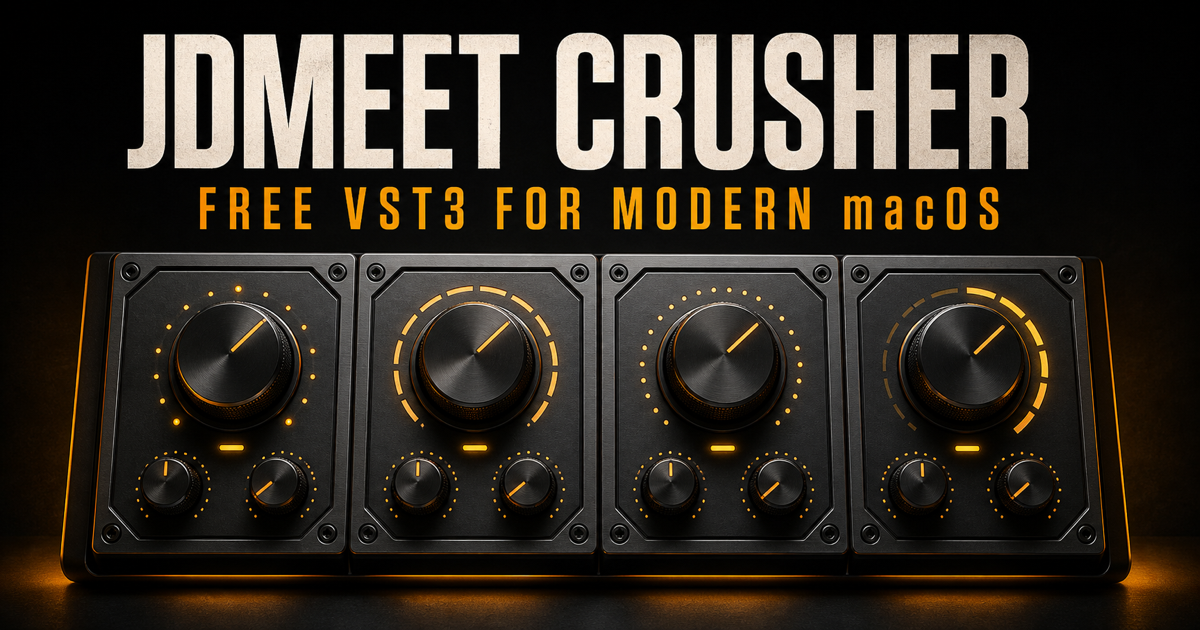
DISTORTION / FILTER / COMPRESSION
Tube and Mech drive, a resonant filter, compression and 22 presets. A compact channel effect for kicks, bass and drums.
Explore Crusher & download →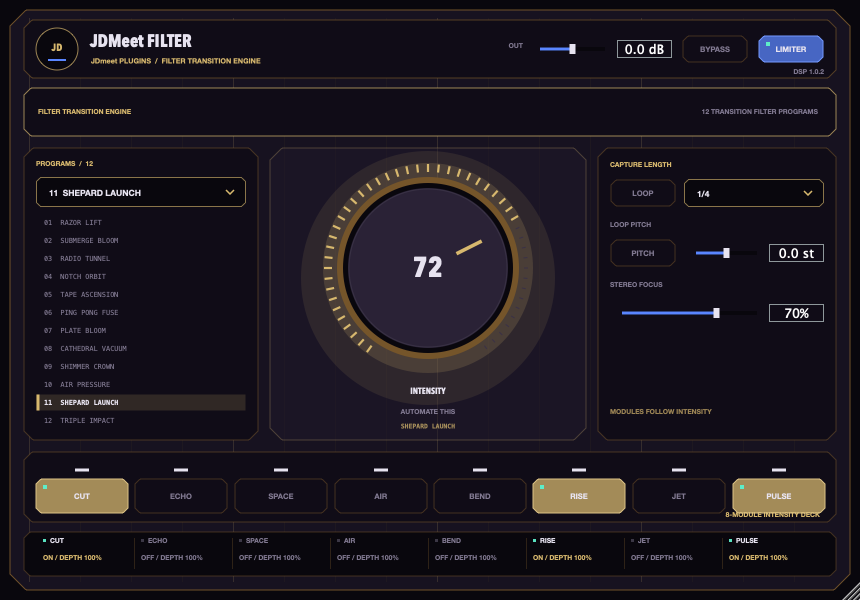
FILTER / TRANSITIONS / RAVE
Twelve transition presets, eight independently switchable modules and one Intensity control. Shape sweeps, echoes and rising textures for hard-dance transitions.
Explore Filter & download →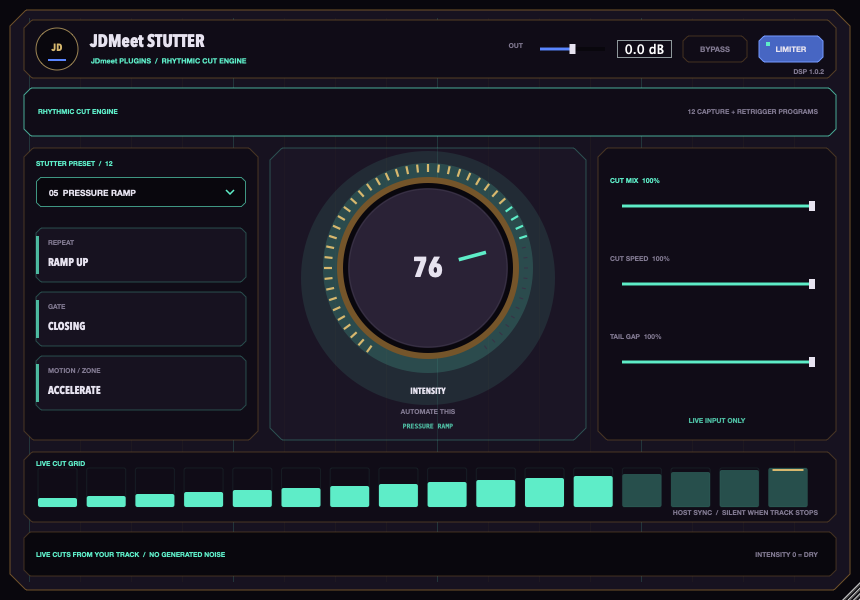
LIVE CAPTURE / RHYTHMIC FILLS
Turn recent channel audio into host-synced repeats, triplets, reversed slices and accelerating cuts. Twelve patterns for fills and hard-dance transitions.
Explore Stutter & download →Choosing a starting point? Read the Phantom vs Crusher guide for hard-techno kicks, bass and leads →
TOOLS BY A PRODUCER. MUSIC FOR THE FLOOR.
JDMeet is a Hard Dance Music (HDM) DJ and producer, creating and playing hard techno, hardstyle and hardcore. Explore two releases from the producer behind these plugins.
Hard techno.
About the track →Acid bounce techno.
About the track →The releases listed here require macOS 11 or newer and a VST3-compatible DAW. These downloads do not include Windows, AU or AAX builds. Read the individual product page for its current version and tested hosts.
Installing Crusher? Follow the Ableton Live and FL Studio installation guide. For Phantom, use its installation steps.
For the transition effects, see how to install JDMeet Filter or how to install JDMeet Stutter.
Learning how these effects change a sound? Start with saturation, distortion and clipping, or browse all Production Notes.